|
|
|


|
|
|
Using the Sort button in the Message Log window, you can drag and drop items to rearrange the sequence for displaying your messages.
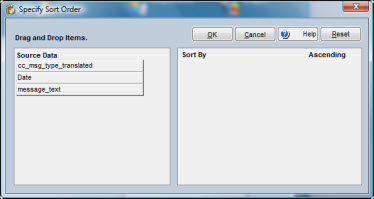
To Change the Sort Sequence:
|
1. |
Click File-Messages on the menu bar. |
|
2. |
Click the Sort button in the Message Log window to open the Specify Sort Order window. |
|
3. |
Drag and drop field names from the Source Data box to the Sort By box. |
|
4. |
Click the Ascending checkbox to sort in ascending order or deselect the checkbox to sort in descending order. |
|
5. |
Click OK. |