|
|
|


|
|
|
After the system administrator has completed the initial setup of your user ID and password, you can change your password through the User Setup window. Click the Change Login Password button to open the Change Password window. Enter your old password followed by two entries of your new password. Click OK to activate the new password starting with your next login.
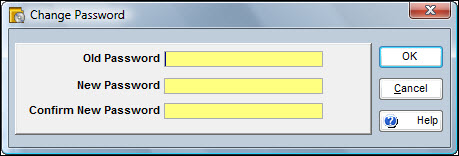
Note: The Change Password window is not available to TabWare On-Line users. TabWare On-Line users can change their password by going to the Support section of the website and using the My Profile option.