|
|
|


|
|
|
Users throughout the facility can use the Quick Work Order function to enter a request if the work order has limited scope and does not require detailed planning. For a job that occurs repetitively, you can access a list of standard requests to copy information and eliminate redundant typing.
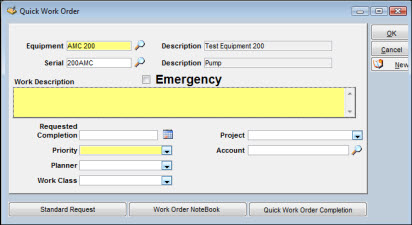
To Enter a Quick Work Order:
|
1. |
Click the Quick Work Order button on the Work Order Search window. |
|
2. |
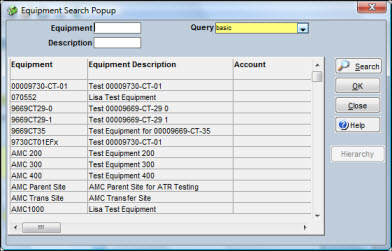
Enter an Equipment ID or use the search icon to open the Equipment Search Popup window and select a work order.
|
|
3. |
Optionally, click the Standard Request button. |
|
4. |
Click the Emergency checkbox if applicable. |
|
5. |
Enter other required and optional information. |
|
6. |
Click OK. |